
Bold Text Generator for Facebook - Copy & Paste Bold FB Fonts
Real-World Social Previews






Top Brand Styles
High-fidelity transformations
The quick brown fox jumps over the lazy dog
The quick brown fox jumps over the lazy dog
The quick brown fox jumps over the lazy dog
The quick brown fox jumps over the lazy dog
The quick brown fox jumps over the lazy dog
The quick brown fox jumps over the lazy dog
The quick brown fox jumps over the lazy dog
The quick brown fox jumps over the lazy dog
The quick brown fox jumps over the lazy dog
The quick brown fox jumps over the lazy dog
Other Fonts
The quick brown fox jumps over the lazy dog
The quick brown fox jumps over the lazy dog
The quick brown fox jumps over the lazy dog
The quick brown fox jumps over the lazy dog
The quick brown fox jumps over the lazy dog
Want your Facebook posts and comments to stand out a little more? Our bold text generator for Facebook helps you convert normal text into stylish bold Unicode fonts you can copy and paste instantly.
Whether you are creating a catchy Facebook caption, writing a promotional post, updating your bio, or replying in comments, bold text can help draw attention to important words and make your content easier to notice.
This facebook bold text generator works online for free and does not require any app downloads or signups. Just type your text, choose a bold style, and paste it directly on Facebook.
You can use it for:
- Facebook posts
- Captions
- Comments
- Bios
- Messenger chats
- Facebook Stories
- Group posts
- Marketplace listings
The generated fonts are Unicode based, which means they work like regular text on most devices and browsers.

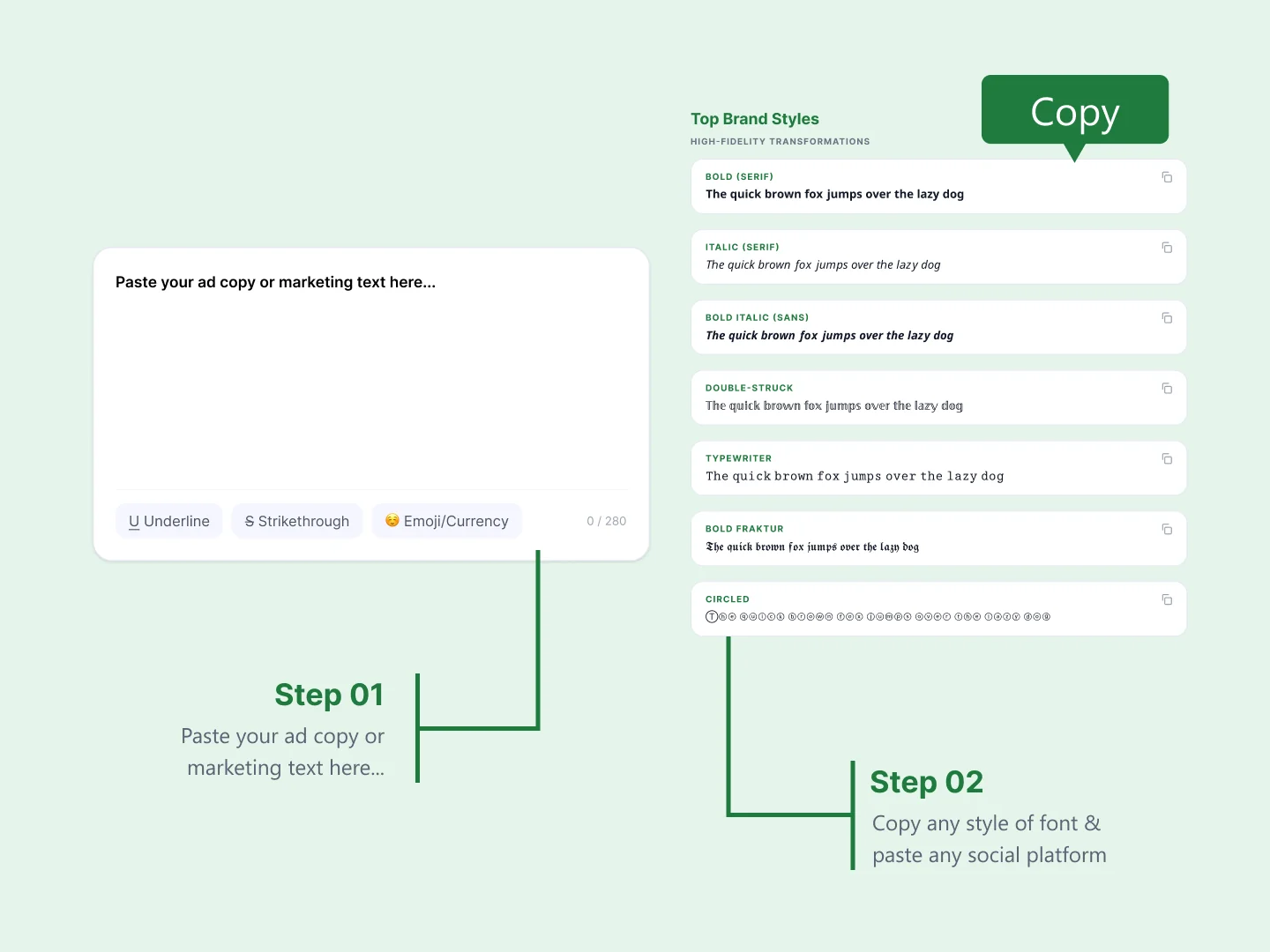
What Is a Facebook Bold Text Generator & How Does It Work?
A Facebook bold text generator is an online tool that converts regular text into bold Unicode characters that can be pasted directly into Facebook.
For example:
Normal Text: Facebook Post
Bold Text: 𝗙𝗮𝗰𝗲𝗯𝗼𝗼𝗸 𝗣𝗼𝘀𝘁
Instead of installing fonts, the tool transforms standard letters into Unicode symbols that visually appear bold or stylish online.
This is why the text usually works across:
- Messenger
- TikTok
- Discord
- X
Most people use a bold text generator Facebook tool to:
- Make captions more noticeable
- Highlight important information
- Create aesthetic bios
- Improve promotional posts
- Add style to comments and replies
It is quick, beginner friendly, and works instantly from any device.
Looking for additional font styles beyond Facebook formatting? Our Bold Text Generator includes multiple Unicode text styles for different platforms.
Try Our Facebook Bold Text Generator for Posts, Comments & Bios
Our Facebook bold text generator is designed to make formatting simple. You do not need editing skills or special software to create stylish text.
Just enter your text and the tool instantly generates multiple bold font styles you can copy and paste anywhere on Facebook.
Many users like using bold fonts for:
- Important announcements
- Giveaways and promotions
- Personal branding
- Viral captions
- Engagement posts
- Group discussions
Example:
Normal: New Product Launch
Bold: 𝗡𝗲𝘄 𝗣𝗿𝗼𝗱𝘂𝗰𝘁 𝗟𝗮𝘂𝗻𝗰𝗵
Because the tool generates multiple styles, you can test different looks and choose the one that matches your content best.
This facebook bold text generator online also works well for creators, businesses, influencers, and casual users who want cleaner and more eye-catching posts.
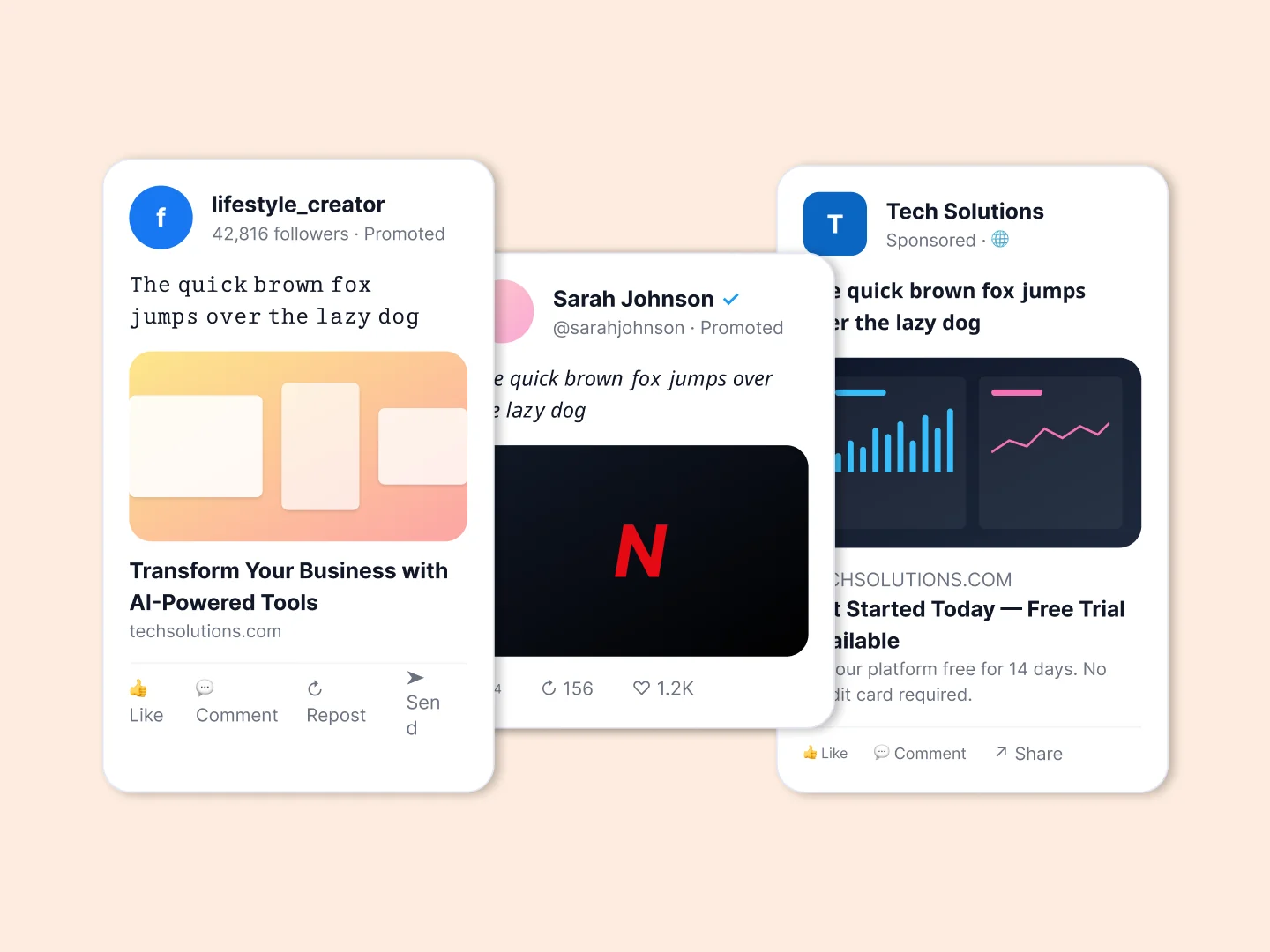

FB Bold Text Generator — Bold FB Fonts for Posts and Comments
Our FB bold text generator includes several bold font variations designed for social media formatting.
Popular styles include:
- Classic bold text
- Bold italic text
- Serif bold fonts
- Decorative Unicode fonts
- Stylish uppercase fonts
These styles are commonly used to make Facebook content easier to scan and more visually appealing.
You can use this bold text generator FB tool for:
- Facebook ads
- Promotional posts
- Product highlights
- Event announcements
- Stylish captions
- Creative comments
It also works as a simple facebook text formatter, helping organize your content visually without complicated formatting tools.
If one style does not display correctly on a specific device, simply try another variation generated by the tool.
Bold Text Generator for FB Posts, Captions & Comments
Bold text works especially well on Facebook because it helps important content stand out in busy feeds.
Many people use our bold text fb generator to:
- Highlight offers or discounts
- Emphasize keywords in captions
- Make comment replies more noticeable
- Improve engagement posts
- Add personality to bios
For example, instead of writing:
Check out our latest collection
You can write:
𝗖𝗵𝗲𝗰𝗸 𝗼𝘂𝘁 𝗼𝘂𝗿 𝗹𝗮𝘁𝗲𝘀𝘁 𝗰𝗼𝗹𝗹𝗲𝗰𝘁𝗶𝗼𝗻
This small visual difference can make text more noticeable while scrolling.
Our bold text generator for FB posts works instantly on both desktop and mobile devices, making it easy to create stylish text anytime.
Simply copy your preferred font style and paste it directly into Facebook comments, captions, bios, or posts.
Before posting, you can use our Character Counter to ensure your captions fit platform limits.
For longer Facebook posts and promotional content, our Word Counter helps monitor content length.
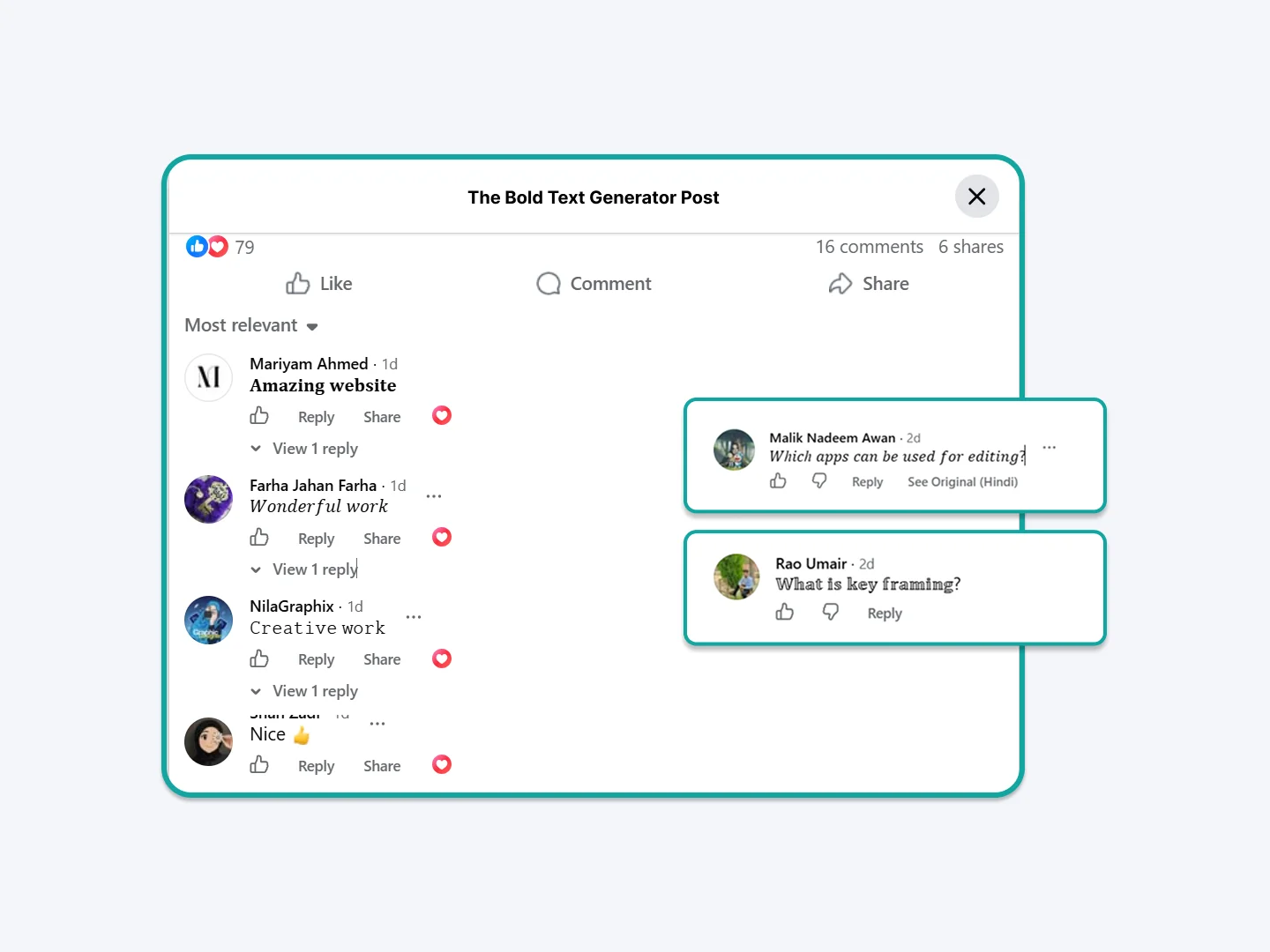
How to Bold a Caption in Facebook
Facebook has no bold button, so a bold caption is made with Unicode characters instead of formatting. The letters themselves are different characters, which is why they survive copy and paste.
To bold an FB caption:
- Type or paste your caption into the tool above.
- Pick a bold style — sans-serif bold is closest to Facebook’s own font.
- Tap Copy.
- Paste it into the Facebook caption field and post as normal.
The same method works for a bold FB title or headline, including the common search for a bold tittle FB post: paste the bold text as the first line of your post so it reads as a heading above the rest of your copy. A bold FB caption and a bold caption Facebook users see in their feed are made exactly the same way.
It works on posts, Reels, photo captions and comments, on both the mobile app and desktop. Nothing is installed and the bold caption stays bold for everyone who sees it.
How to Put Bold Text on Facebook Posts and Comments
You can add bold text in Facebook posts, comments, your bio, Group posts and Marketplace listings. Bold text Facebook users paste this way works everywhere on the platform, because the characters travel with the text rather than relying on Facebook to format them. The same bold text for FB works in the mobile app and on desktop.
This is the reason there is no bold option in the Facebook composer and yet bold posts keep appearing in your feed. Those posts are not using a hidden feature. They were written with a bold text generator for Facebook and pasted in.
Use bold FB text sparingly and it does the job well: a bold first line on a long post, a bold product name in a Marketplace listing, or a bold key phrase in a comment so it stays visible while scrolling.
People search for this in a lot of different ways, whether that is FB text bold, Facebook font bold, Facebook text bold or Facebook fonts bold. Some people run the words together and search for facebookbold or fbfonts, and others just want fb fonts bold or facebook bold fonts. They all describe the same thing: Unicode characters that look bold and survive a paste into Facebook. Italic, cursive, monospace and several other styles paste into Facebook the same way. The main bold text generator has all 15 styles if you want something other than bold.
The same characters paste into Messenger too. Bold text in Facebook Messenger goes into the chat box exactly as it does into a post, and the bold survives because it is part of the characters rather than a formatting option. Bold text for Facebook Ads is pasted the same way into the primary text or headline field, though read the limitations below first — bold Unicode in ad copy can affect ad review.
Where Bold Facebook Text Does Not Work
Unicode bold is genuinely useful, but it is not plain text, and there are four places where that matters. Most tools will not tell you this.
- Hashtags break. A bold hashtag is not the same tag as the normal version, so it will not be grouped with it and usually will not be clickable. Keep hashtags in regular text.
- Profile names are rejected. Facebook enforces a real-name policy on the name field and will refuse most Unicode styling there, even though it accepts it in your bio.
- Be careful in ads. Bold Unicode in ad headlines and primary text can slow or fail ad review. Test with a small spend before relying on it in a campaign.
- Screen readers struggle. Assistive technology often reads these characters out one by one, or skips them. If accessibility matters for your audience, keep the important information in normal text as well.
None of this makes bold text a bad idea. It just means bold works best for emphasis in the body of a post, rather than for hashtags, your name, or information someone must be able to read.