AI Text Humanizer - Humanize AI Text Free Online
Humanize AI text free, with no sign-up and no word limit
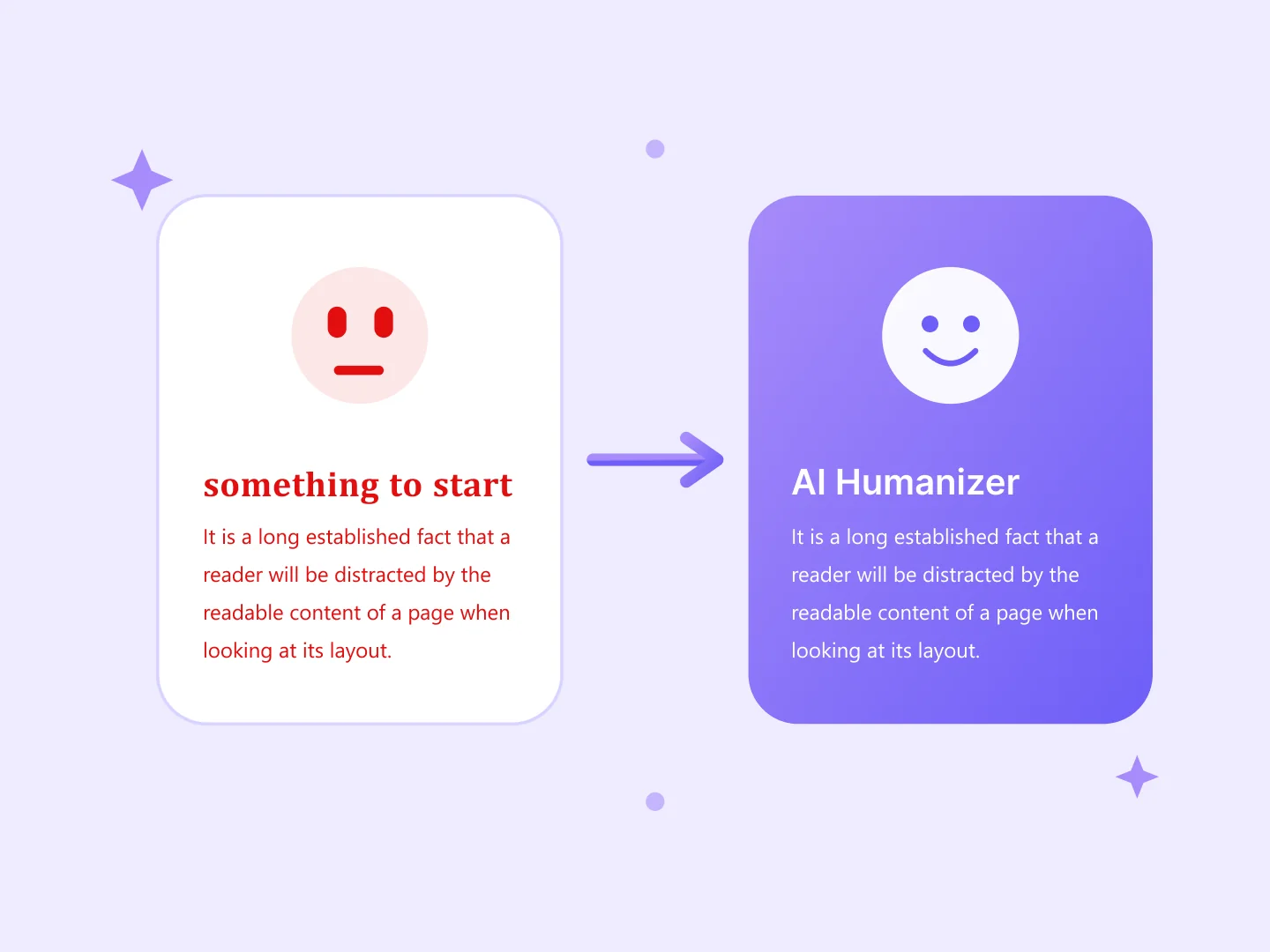
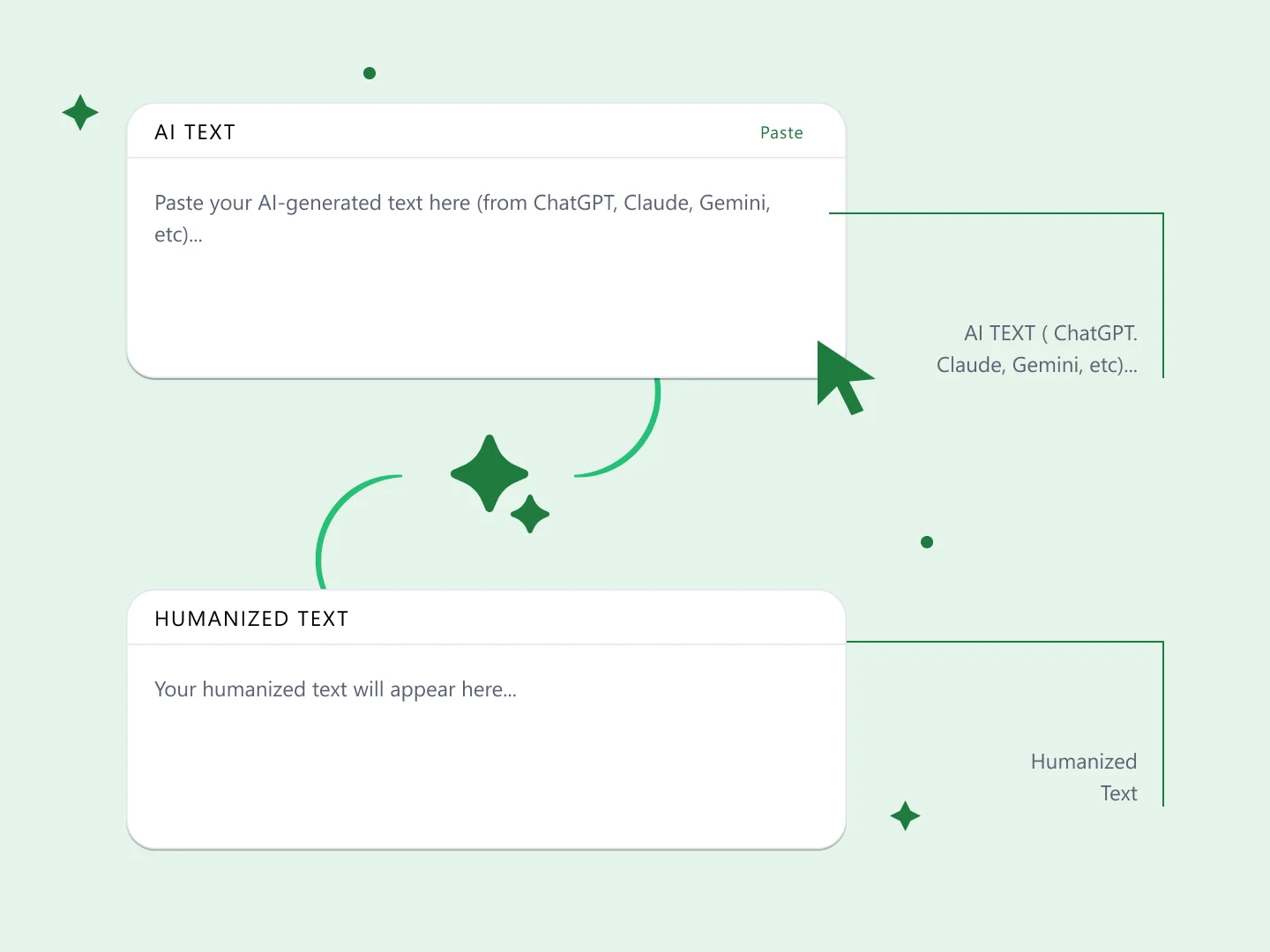
Paste AI generated text into the box above and this AI text humanizer rewrites the habits that make it read like a chatbot. Your meaning stays where you put it.
It works on ChatGPT output, blog drafts, emails, essays, website copy, social captions and marketing pages. Longer articles are fine too, since there is no word cap.
There is no account to create. The rewrite runs in your browser, so nothing you paste is uploaded anywhere, which matters when the draft is client work or unpublished. Plenty of sites advertise an AI text humanizer free online and then meter it after a few hundred words; this one stays free because there is no server cost to recover.
What an AI text humanizer does
A language model writes whatever word is most likely to come next, so its output drifts toward the middle: a narrow vocabulary, the same handful of sentence openers, and clauses of roughly equal length. Each sentence can be fine on its own while the paragraph still reads flat.
A humanizer AI text tool edits that evenness. This one works on ChatGPT output, SEO articles, emails, academic drafts and website copy.
Paste your text, read the rewrite next to it, and copy it when you are happy. Nothing is saved between sessions.
Humanize AI generated text for blogs and SEO content
Most people who paste text here are editing a draft they already have: bloggers and SEO writers cleaning up generated sections, students tidying their own notes, agencies and marketers working through client copy. For that work a free AI text humanizer has to handle a whole article in one go, which is why there is no cap.
The usual problem is rarely a wrong sentence. It is that twelve paragraphs all sound the same, so a reader skims and stops trusting the page. Breaking up that rhythm is most of the work, and it is the reason to humanize AI text free of a word limit rather than a paragraph at a time.
If you are starting from nothing rather than editing, our AI Blog Writer drafts the first version, and you can bring it back here afterwards.
A free AI humanizer that runs in the browser
There is nothing to install and nothing to configure. Paste one awkward paragraph or a full article, and the rewrite appears beside it.
Because the rewrite happens on your own machine, it also works offline once the page has loaded, and your text never reaches a server we control.
Rewriting usually changes the length a little. Our Word Counter will tell you whether you are still inside a word target, and the Character Counter is the one to use for meta descriptions and anywhere else with a hard character limit.
Why bother rewriting AI output
AI drafts save real time, and the trade is that the prose arrives generic. The sentences are grammatical and the argument holds, but the writing reads as though no one in particular wrote it.
That costs you differently depending on where it lands. A reader who senses filler stops reading; a marker who senses it starts looking harder. In both cases the fix is the same, which is writing that sounds like a person made choices.
Our AI Content Detector gives you a second read before you publish, though treat any detector score as a rough signal rather than a verdict.
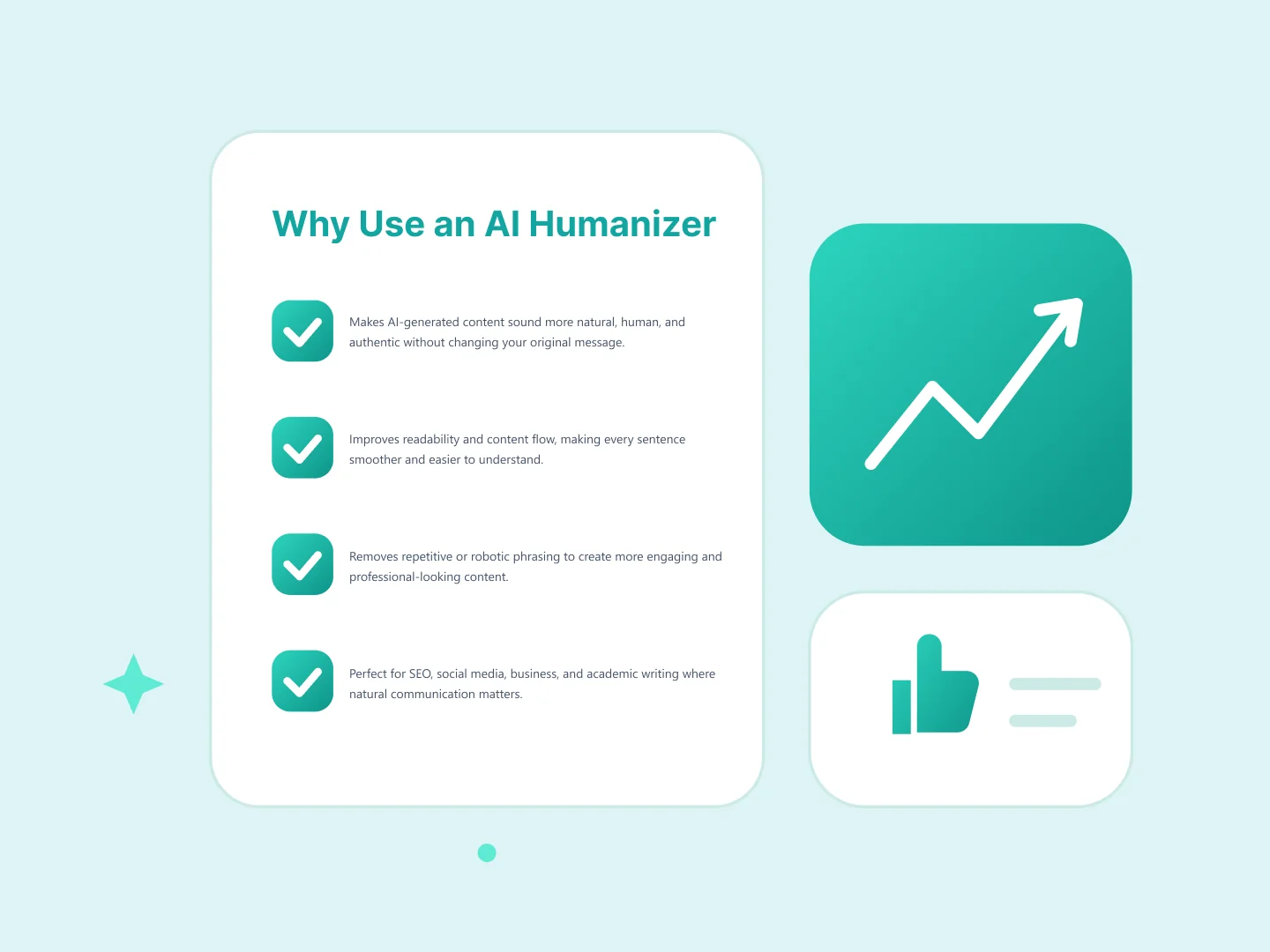
Humanizer with no word limit and no sign-up
This free text humanizer online takes whatever length you give it. A single sentence works. So does one awkward section, where it acts as a paragraph humanizer for the part that reads worst, or a 4,000 word article pasted in whole.
Most humanizer AI free tools cap you somewhere, usually a few hundred words a day or a sign-up wall after the first try. This humanizer text free of accounts has no cap, because the rewrite runs in your browser rather than on metered server time. Nothing you paste is uploaded, which is the part that matters when the text is client work, an unpublished draft or academic writing.
A humanizer online free of trial limits is rarer than it should be. Run this one as often as a draft needs, on the same text twice if the first pass left something awkward.
Your meaning and key terms survive the rewrite. The tool edits phrasing and rhythm, and leaves the substance of what you wrote alone.
What this tool changes when you humanize ChatGPT text
Here is the whole of it, so you can judge whether it helps your draft. The tool edits five patterns.
The first is vocabulary: words like delve, plethora, testament, realm and landscape, which turn up far more often in model output than in writing by people. The second is promotional filler, the stock boosters along the lines of “unlock the power of” and “in today’s digital landscape”. Third, em dashes, which ChatGPT and Claude both scatter through a paragraph where a comma or a full stop would do; the tool keeps the first and converts the rest.
The last two are about rhythm rather than words. It varies the formal sentence openers, so a page does not run Furthermore, Moreover, Additionally down the left margin, and it splits the longest sentences, because models write clauses of similar length and that evenness is what makes a paragraph read flat.
Paste output from ChatGPT, Claude or Gemini and your argument comes through unchanged. The rewrite is rules based rather than a second pass through a model, so it is fast and your text stays on your machine. Replacements for the sentence openers are picked at random from a short list, so running the same paragraph twice can give you slightly different wording.
Two honest limits. A rules based pass cannot rewrite a paragraph that is bland in its structure rather than its words, so read the result and fix what still sounds off. And it makes no claim about detectors: if you want a second opinion before publishing, our AI Content Detector is there, with the caveat that detector scores are unreliable in both directions.